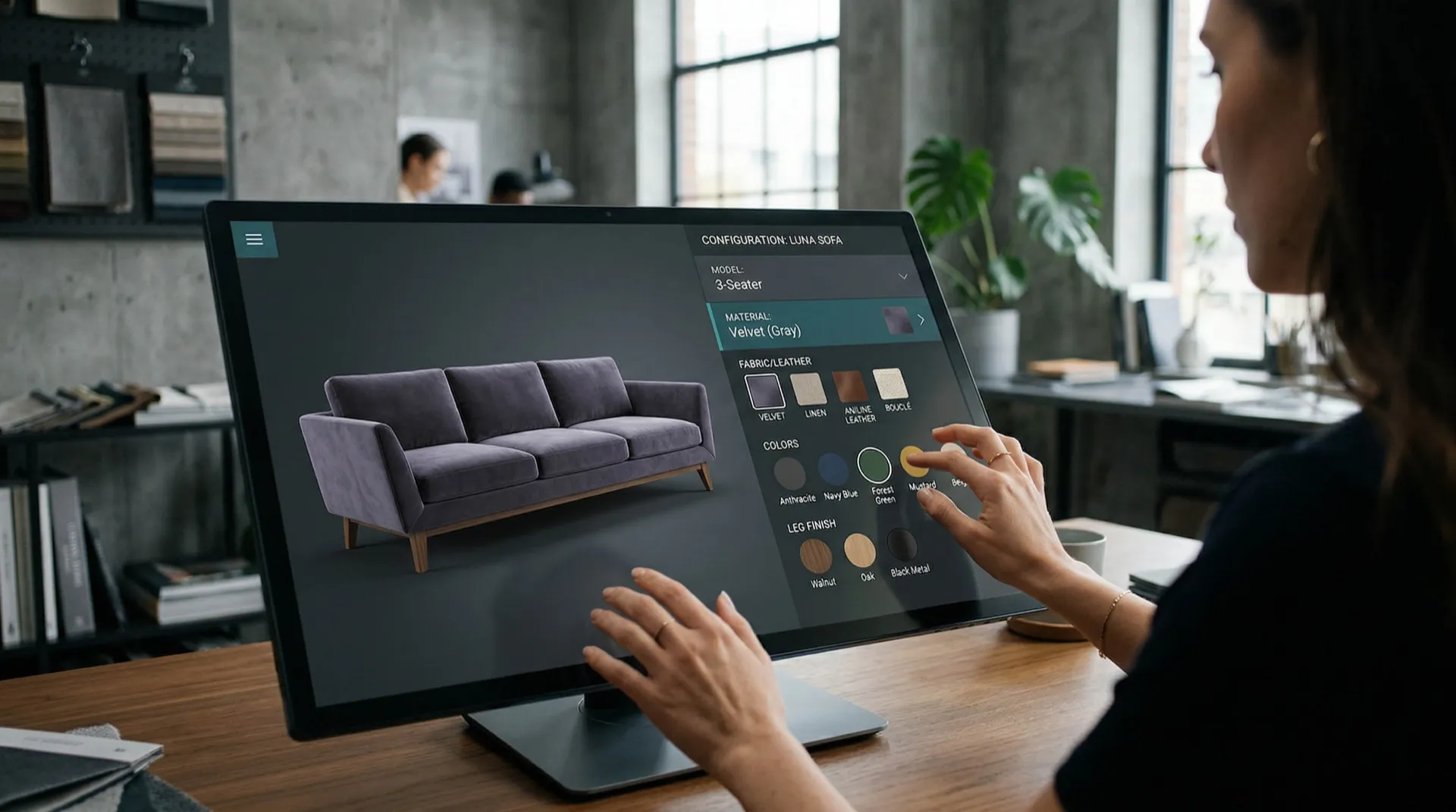
3D Configurator
No Instant Price
Customers want individual furniture – but they don't wait for quotes.

Complicated Inquiries
Dealers lose sales because variants are not clearly displayable.

Showroom Has Limits
Showing all combinations is not possible offline. The configurator can do it.

Adjust materials, colors, and dimensions in real-time – with instant pricing.
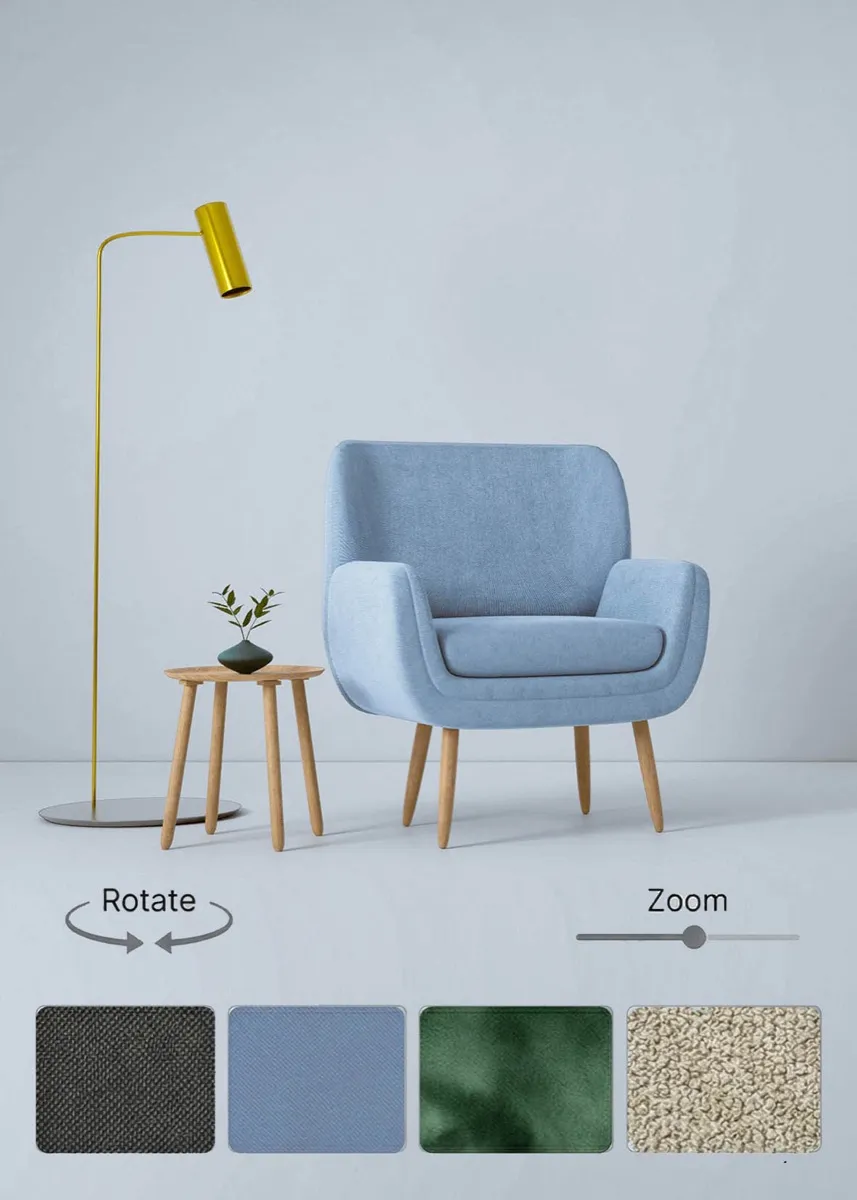
Material Viewer
Change colors & materials in real-time – 360° view, no app.
- Material & color selection with live preview
- 360° rotation with touch and mouse control
- All web formats (GLB, glTF)
- Shop integration (Shopify, WooCommerce)
- Embed code (approx. 15 min. setup)
- Hosting included
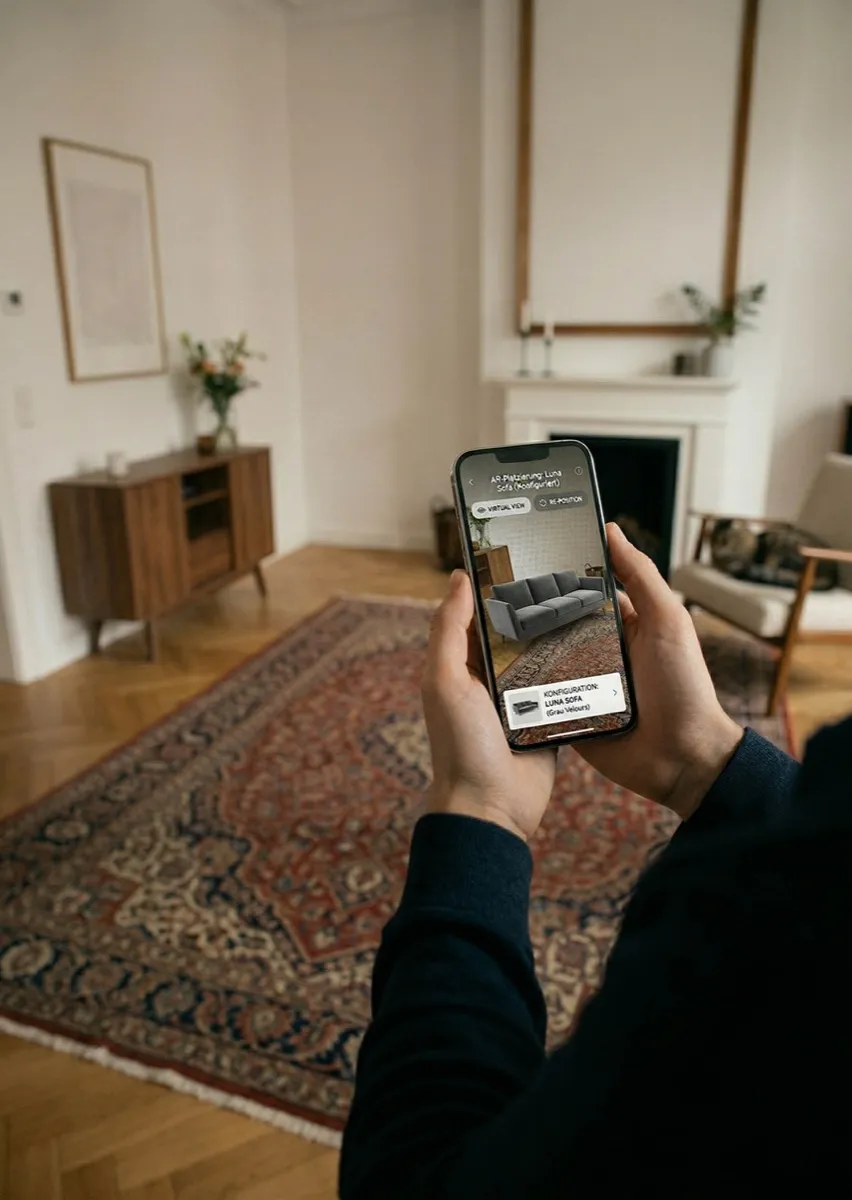
Configurator + AR
Configure and test directly in your own space – no app.
- Everything from Material Viewer
- AR placement (iOS & Android)
- Save & Share configuration
- Shop integration & API access
- Embed code (approx. 15 min. setup)
- Hosting included
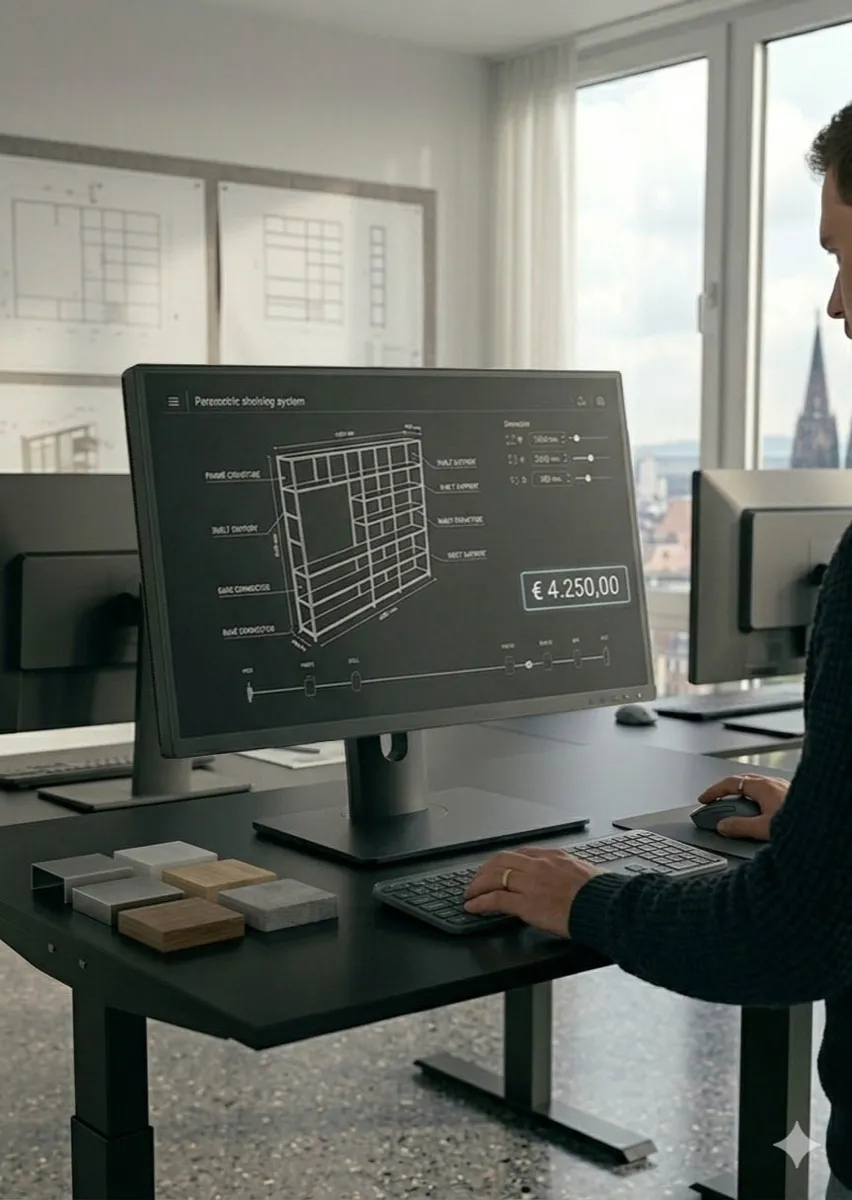
Parametric Configurator
Free dimensions, custom sizes, real-time price.
- Everything from Configurator + AR
- Free dimension entry & custom sizes
- Real-time price calculation
- B2B tools (Quote Generator)
- ERP integration (SAP, Dynamics, Custom)
- Priority Support (< 24h)
| Specs | Material Viewer | Configurator + AR | Parametric |
|---|---|---|---|
| 3D Live Preview | ○ | ○ | ○ |
| Material & Color Selection | ○ | ○ | ○ |
| AR Placement | ○ | ○ | ○ |
| Save & Share | ○ | ○ | ○ |
| Free Dimension Entry | ○ | ○ | ○ |
| Real-time Price Calculation | ○ | ○ | ○ |
The Process
Concept & Planning
Briefing call, product selection, variants & assets definition.
3D Modeling
Photorealistic models, variant setup, configurator logic.
Integration & Testing
Shop integration, AR connection, mobile optimization.
Launch & Onboarding
Go-live, asset handover, onboarding session (1–2h).
Pricing
Material Viewer
- 3D Live Preview
- Material & Color Selection
- Shop integration
- Embed code
- Hosting included
Configurator + AR
- Everything from Material Viewer
- AR placement (iOS & Android)
- Save & Share
- API access
- Hosting included
Parametric Configurator
- Everything from Configurator + AR
- Free dimension entry
- Real-time pricing
- B2B tools
- ERP integration
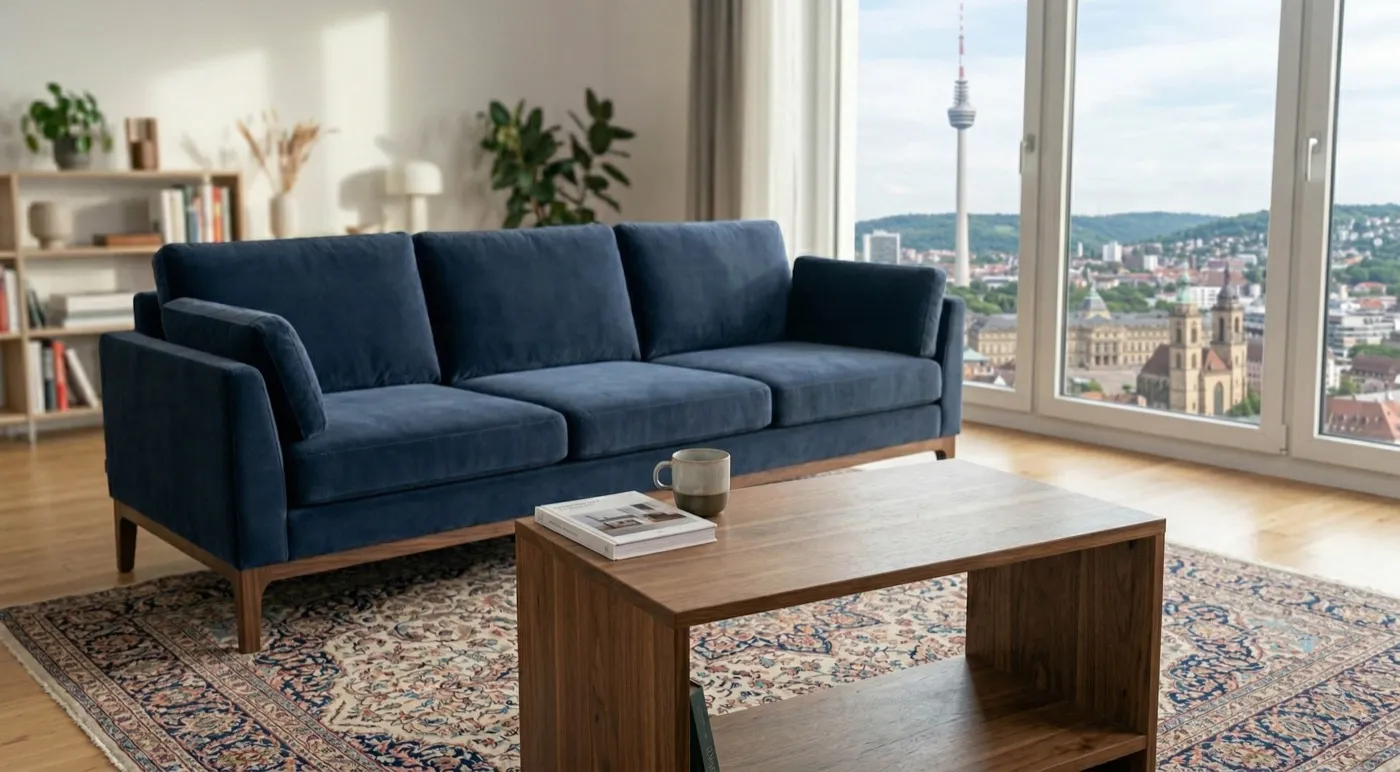
Sofa Configurator
Our customers now configure their sofas themselves – inquiries have dropped almost to zero.
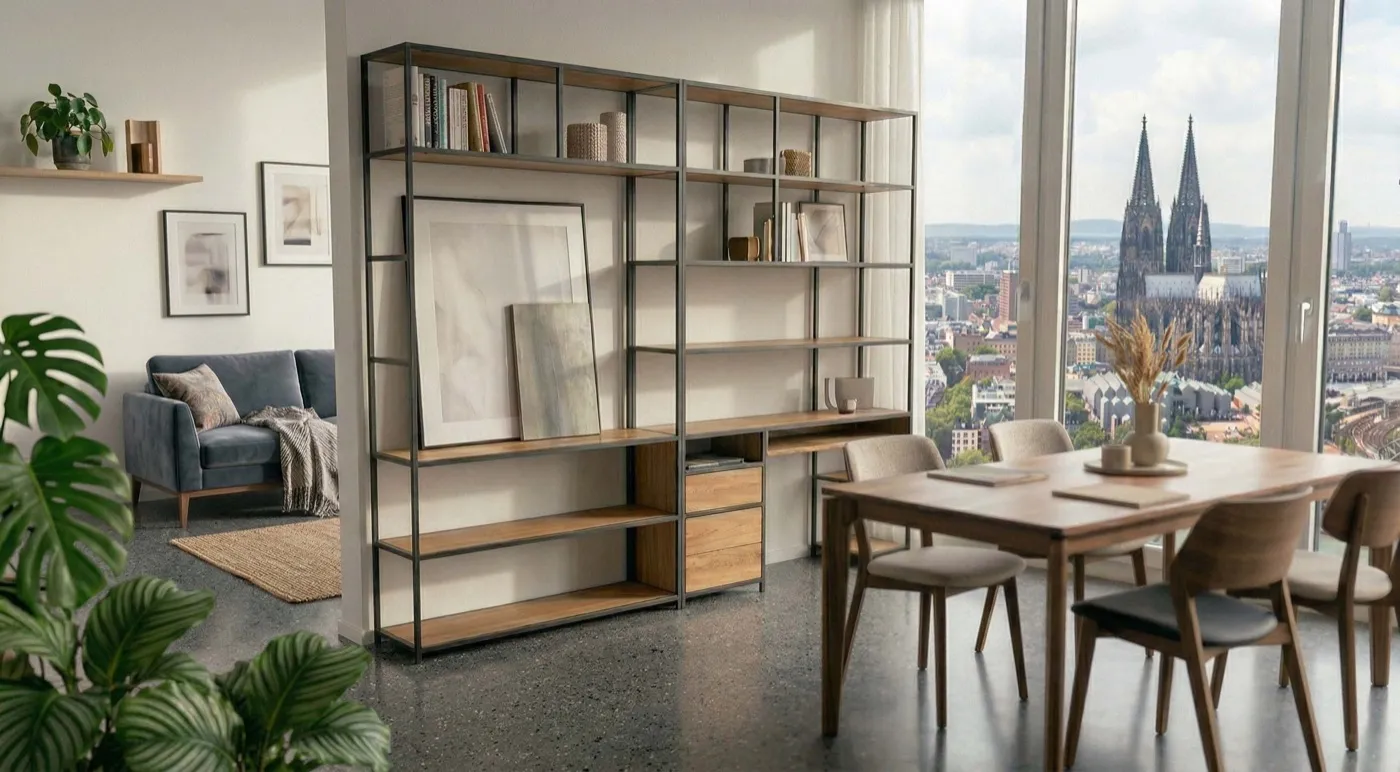
Custom Shelving Systems
The configurator has halved our consulting effort. Customers come with finished configurations.
READY FOR THE NEXT LEVEL?
Start ProjectFAQ
What is the difference between Material Viewer and Configurator + AR?
The Material Viewer shows variants on desktop. Configurator + AR additionally allows AR placement in your own space – without an app.
Which data formats are required?
STEP, OBJ, or FBX. Product photos and drawings are sufficient as a starting point.
Can I add more products after the launch?
Yes – additional products can be added at any time.
How long does a project take?
Most projects go live in 4 weeks – depending on the scope up to 6 weeks.
Does the configurator work on mobile devices?
Yes. All packages are mobile-optimized – AR functions run directly in the browser.