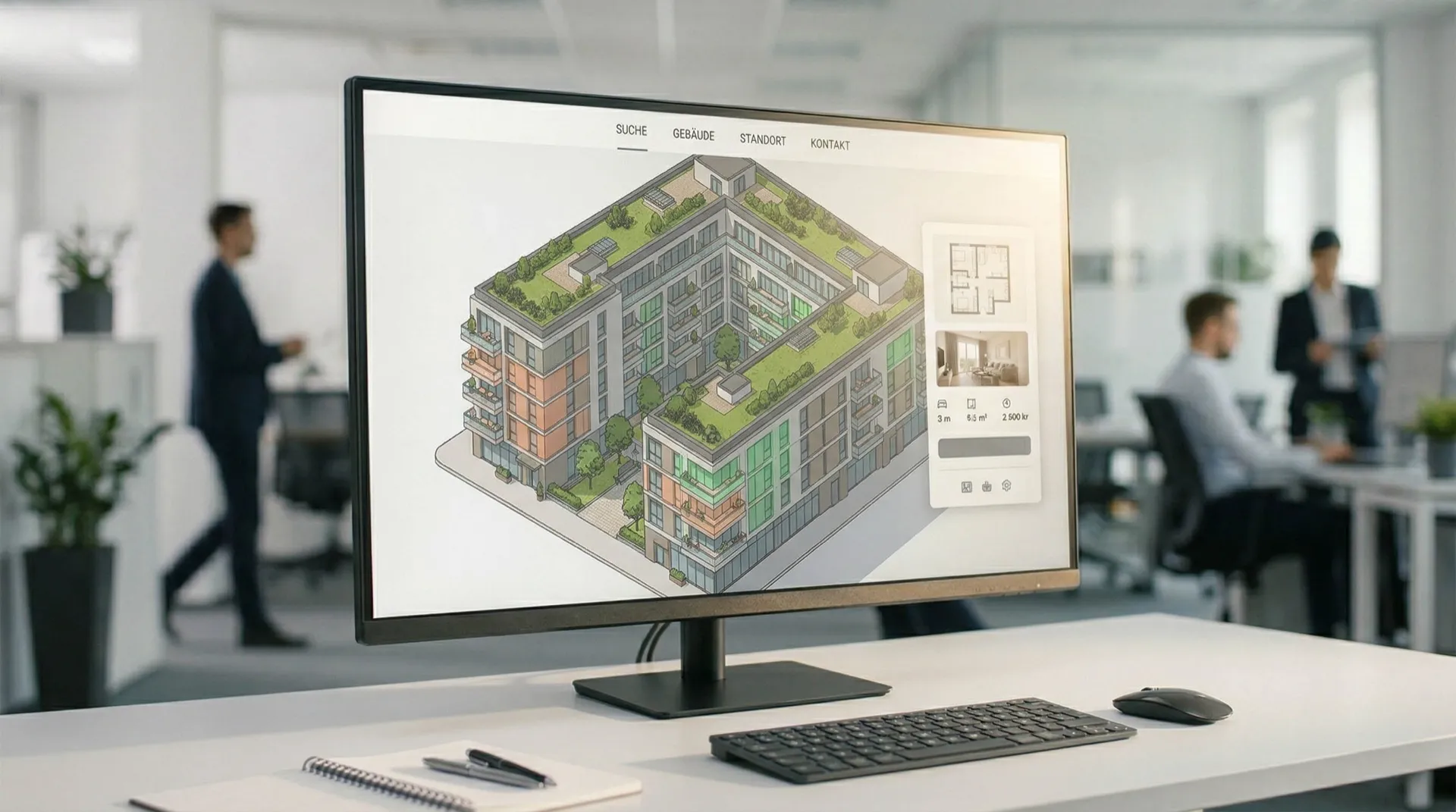
Apartment Finder
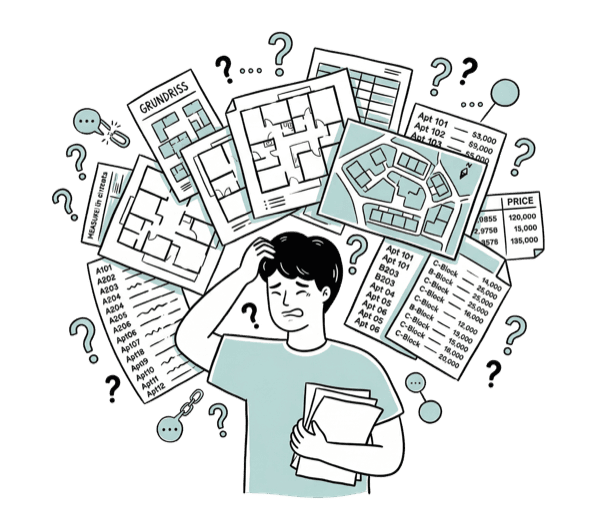
Buyers Can't Find Their Way
Many units, different floor plans, no clear overview – potential buyers drop out.
Unclear Availability
Which apartment is still free? Which one fits the budget? This costs inquiries.

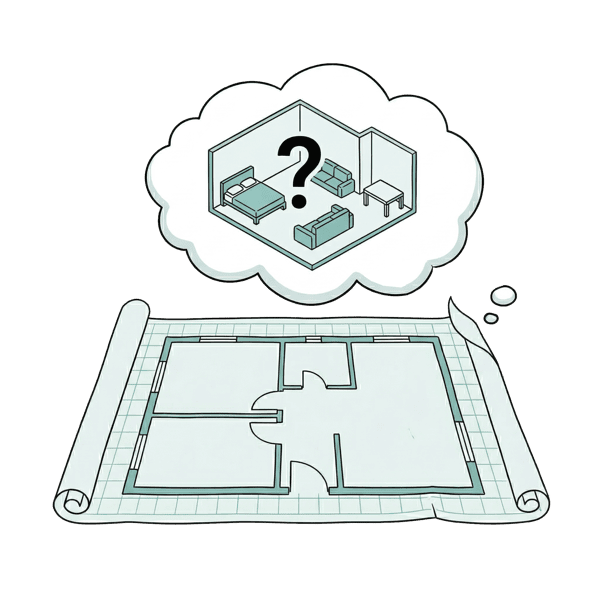
No Experience Before Purchase
Floor plans alone are not convincing – buyers want to feel the apartment.
Interactive marketing tools for new construction projects – from the building to the virtual tour.
Building Navigator
Your project as an interactive map – click units, see info immediately.
- Isometric building view (2D/3D)
- Floor and unit selection
- Floor plan & unit info per apartment
- Availability status (free/reserved/sold)
- Embed code for project website
- Hosting included
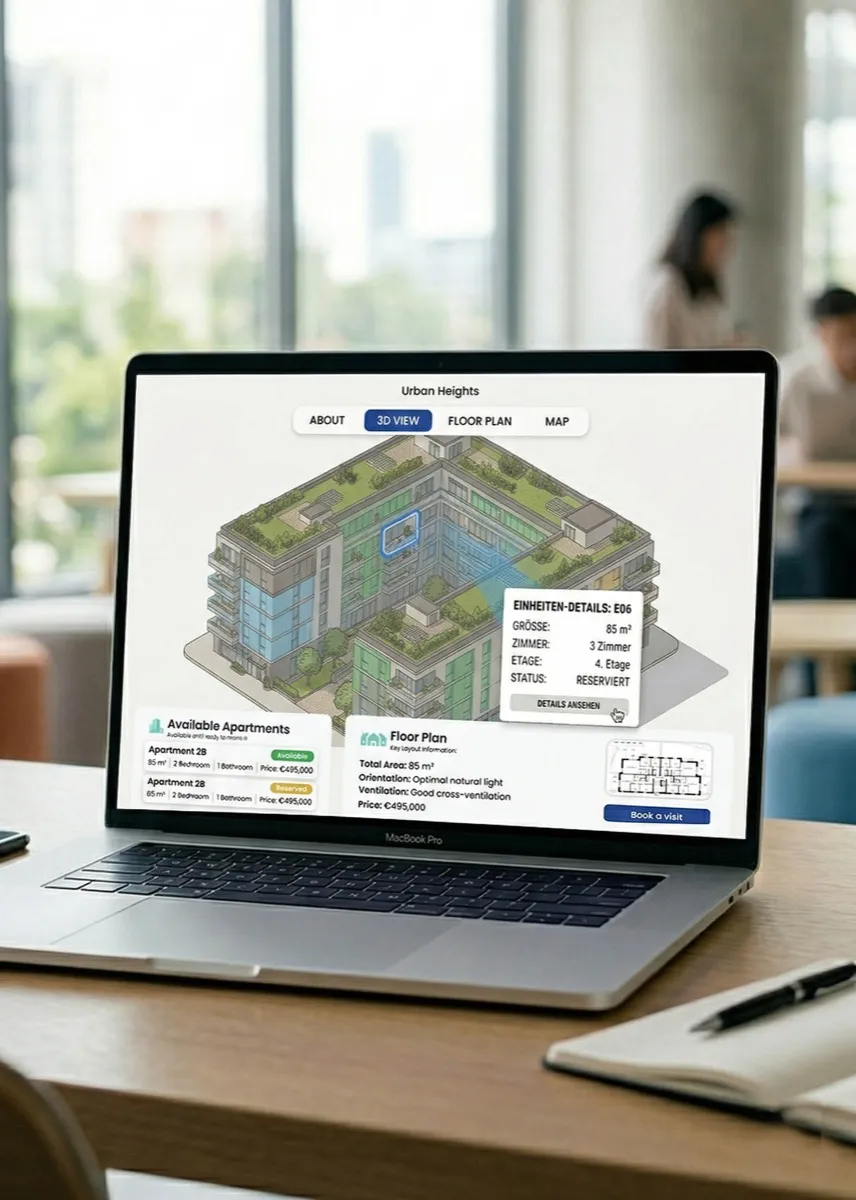
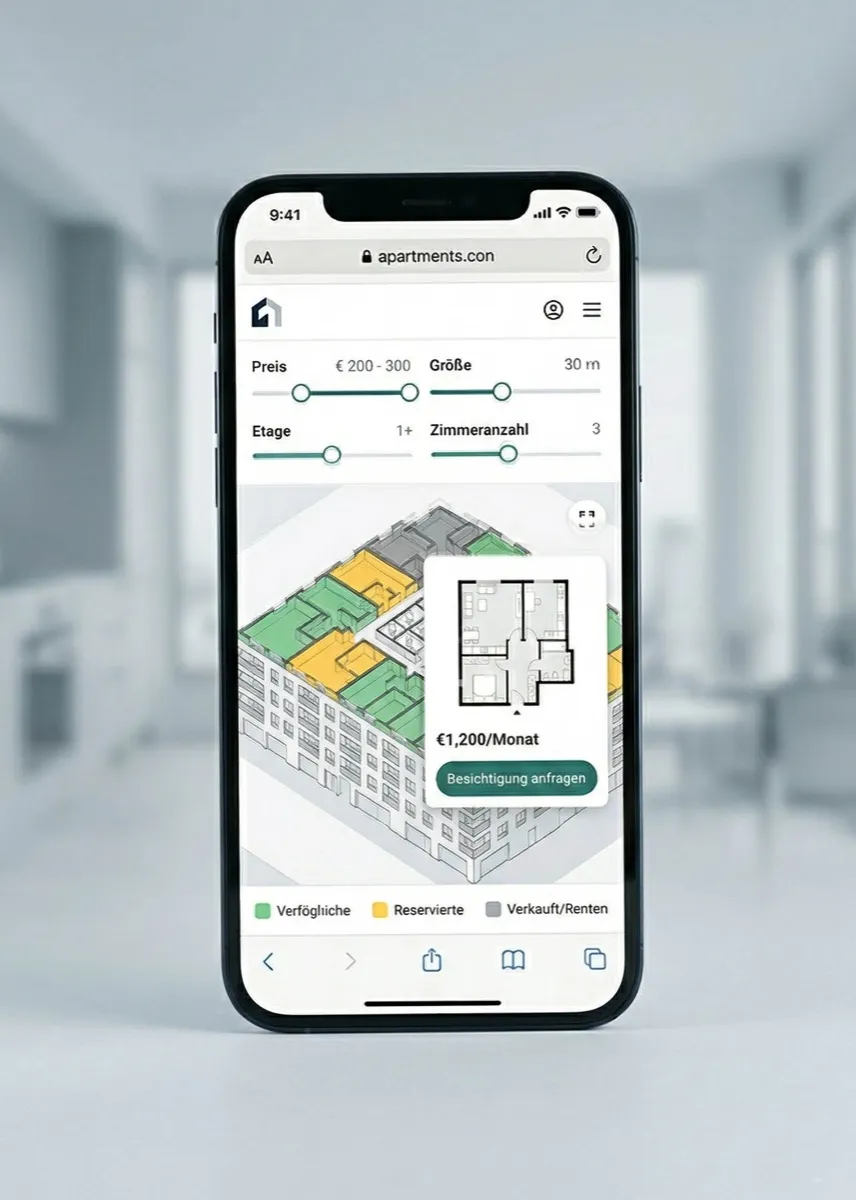
Apartment Finder
Same as Building Navigator – plus filters, CTA, and lead capture.
- Everything from Building Navigator
- Filters (price, size, floor, rooms)
- Real-time availability status
- CTA per unit (request viewing, request exposé)
- Lead capture & CRM integration
- Hosting included
Full Project Tool
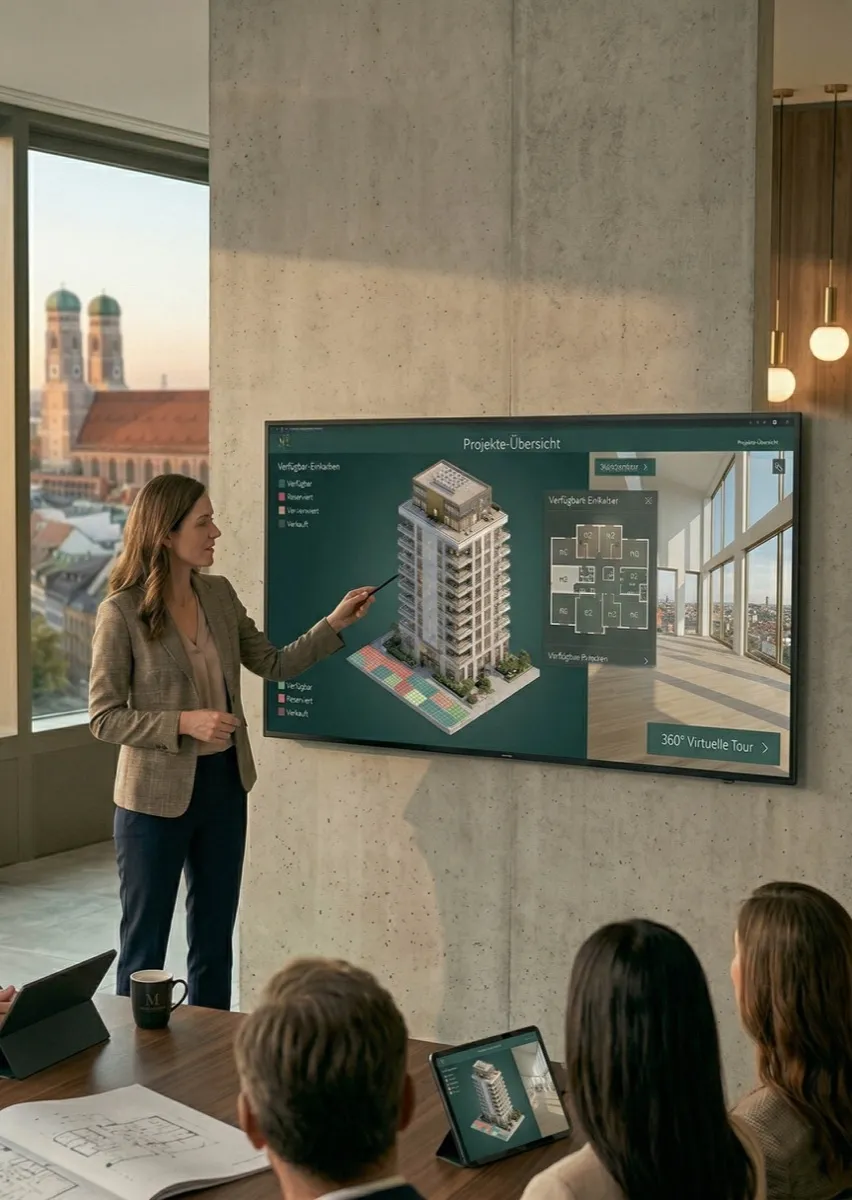
From building to virtual tour – everything in one embeddable web app.
- Everything from Apartment Finder
- Virtual tour per unit (Pre-Sales Tour)
- 3D building view with free rotation
- Branded experience (Your CI)
- Custom made – tailored to your project
- Hosting included
| Specs | Building Navigator | Apartment Finder | Full Project Tool |
|---|---|---|---|
| Interactive Building View | ○ | ○ | ○ |
| Floor Plan & Info per Unit | ○ | ○ | ○ |
| Filter & Search | ○ | ○ | ○ |
| Lead Capture & CTA | ○ | ○ | ○ |
| Virtual Tour per Unit | ○ | ○ | ○ |
| 3D Building & Branded Experience | ○ | ○ | ○ |
The Process
Concept & Planning
Provide project data, units, floor plans, and CI assets.
Development
Build building view, unit logic, and filters incl. feedback rounds.
Integration
Integrate lead capture, CRM connection, and virtual tours.
Launch
Go-live on your project website, handover, and 30-day monitoring.
Pricing
Building Navigator
- Interactive building view
- Unit selection
- Floor plan & info
- Availability status
- Hosting included
Apartment Finder
- Everything from Building Navigator
- Filter & search
- Real-time availability
- Lead capture & CTA
- CRM integration
Full Project Tool
- Everything from Apartment Finder
- Virtual tour per unit
- 3D building
- Branded experience
- Custom made
New Construction Frankfurt
Buyers navigate through the project themselves, find their desired apartment, and inquire directly – without us having to intervene.
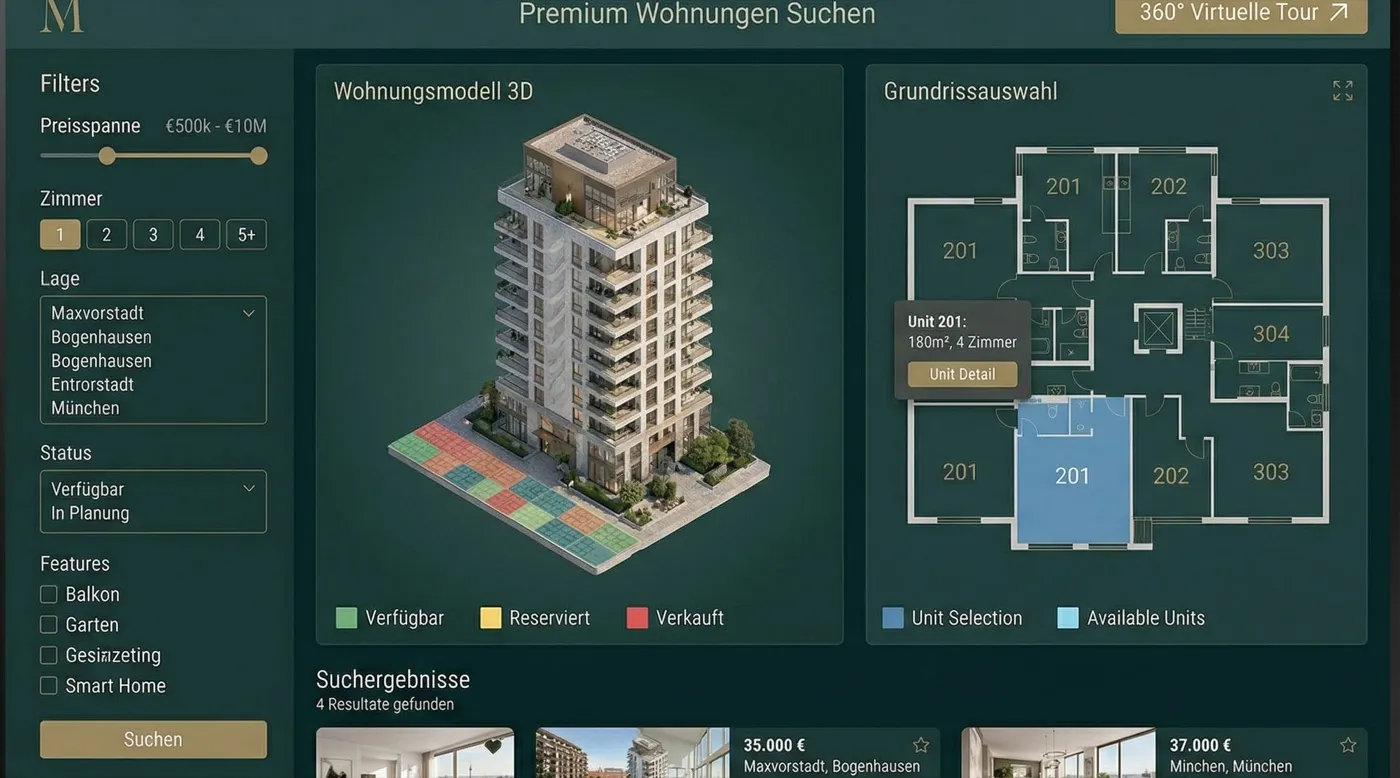
Premium New Construction Munich
The project tool replaced our trade fair presence. Investors experience the building completely remotely.
READY FOR THE NEXT LEVEL?
Start ProjectFAQ
For how many units is the tool suitable?
Makes sense from approx. 10 units – no upper limit. Also usable for large projects with 100+ units.
Can the tool be embedded into my existing project website?
Yes. All packages are available as embed codes – no separate domain required.
Can the building navigator also be used for commercial or trade fair projects?
Yes. The tool is not limited to residential real estate – contact us for custom requests.
How long does a project take?
Building Navigator in 2–3 weeks, Full Project Tool in 6–8 weeks depending on scope.
Can availability be updated in real-time?
Yes – from Apartment Finder with CRM integration or manual update access.